

Purchasing
Purchasing is used to order from your vendors the parts and supplies needed for interventions, then to receive them in order to update your stock.
When to use it? As soon as a part runs short, a reordering threshold is reached, or to rebuild stock ahead of a campaign of interventions.
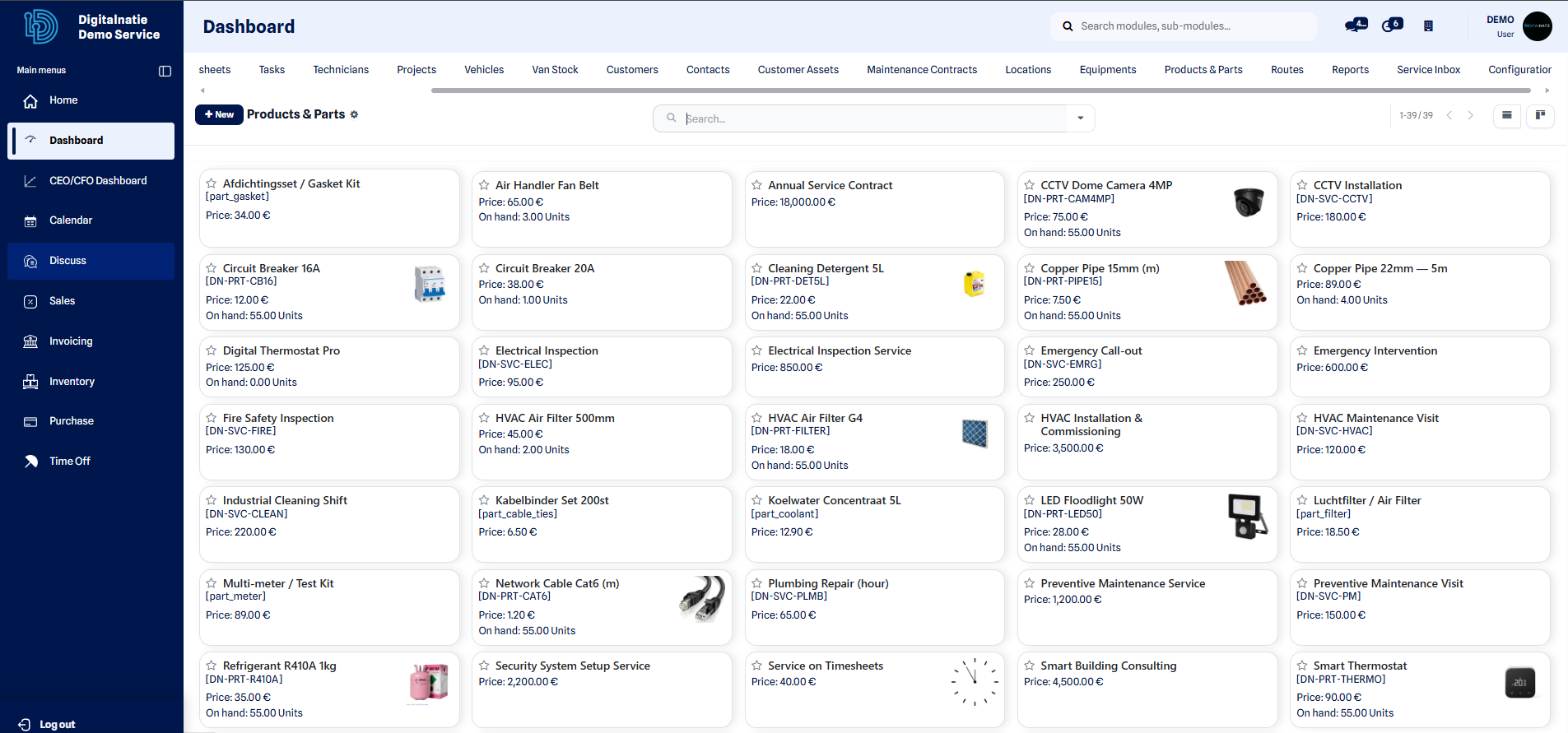 The parts catalog shows the reference, available stock and the usual vendor.
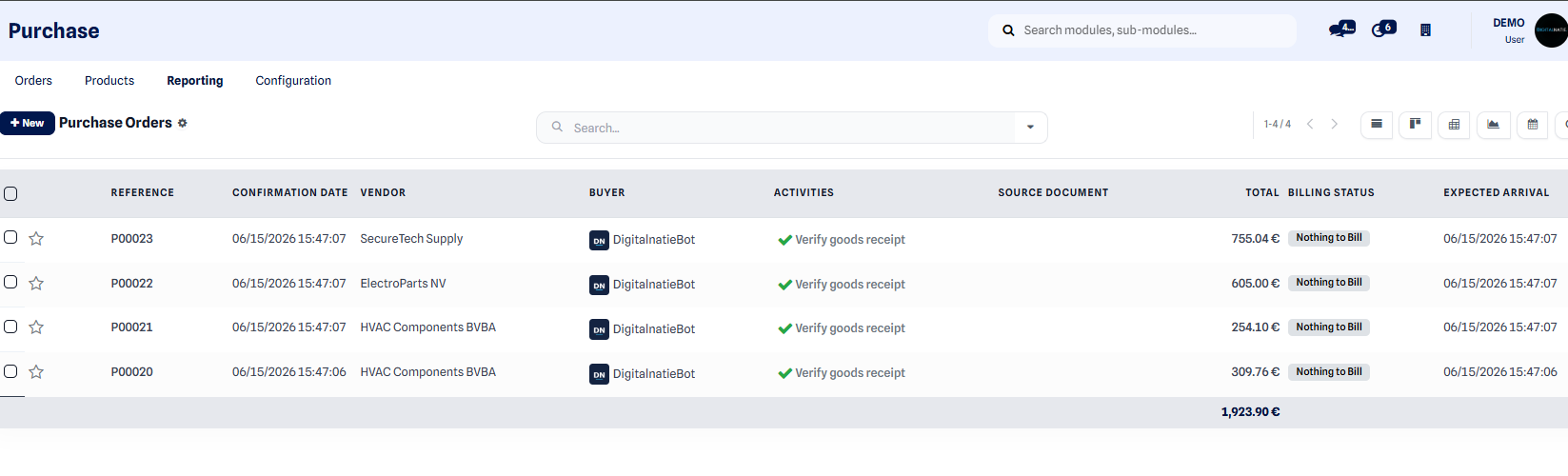 The purchase orders list groups your vendor orders with their status and amount.
Create a purchase order
Section titled “Create a purchase order”- Open the Purchasing menu and click New.
- Select the Vendor you want to order from.
- Add the product / parts lines to order, with the desired quantities.
- Click Confirm Order to validate the submission to the vendor.
- On delivery, open the order and click Receive to record the arrival of the goods. The stock is then updated.
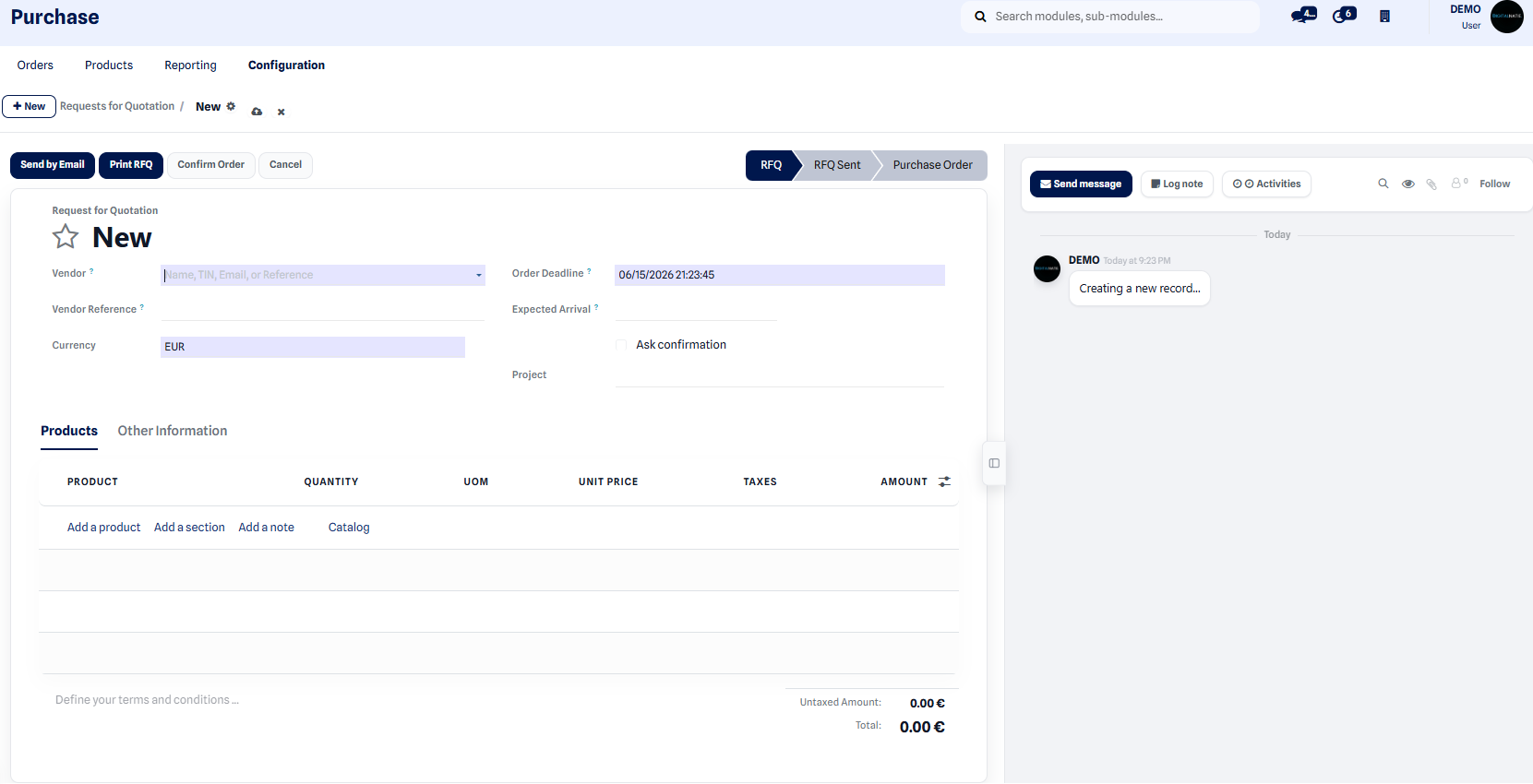 The request for quotation lists the parts, quantities and terms before the order is confirmed.
Expected result: the order moves to the confirmed status, then to received. The received quantities are added to your inventory and become available for interventions and for van stock. After receiving, record the invoice received from the vendor — see Vendor bills.
Link with stock replenishment
Section titled “Link with stock replenishment”Every part installed during an intervention is deducted from stock. When a part falls below its minimum threshold, a replenishment request is generated to tell you what to reorder.
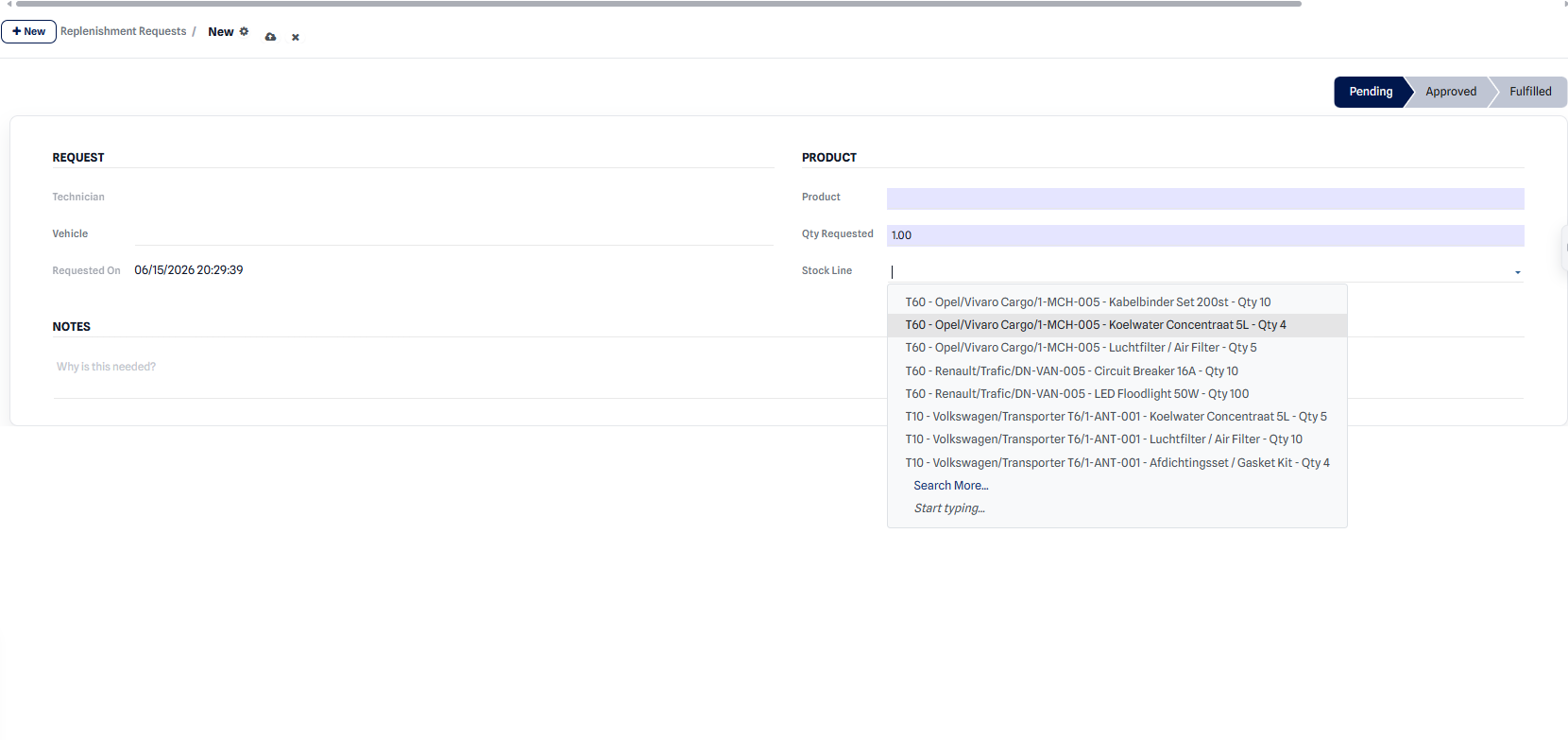 The replenishment screen lists the parts to reorder and the suggested quantities.
You then turn these requests into purchase orders with the right vendor, following the steps above.