

Login
Management workspace (Manager)
Section titled “Management workspace (Manager)”-
Open the login page in your browser:
https://service.digitalnatie.app. -
Enter your email address.
-
Enter your password.
-
Click Sign in. You land on the dashboard.
-
If you forget it, use the password reset (see the section below).
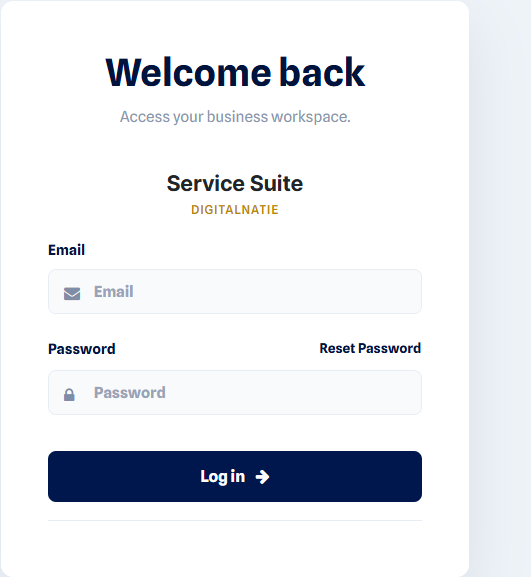 The login page: enter your email and your password, then click Sign in.
Technician app (PWA)
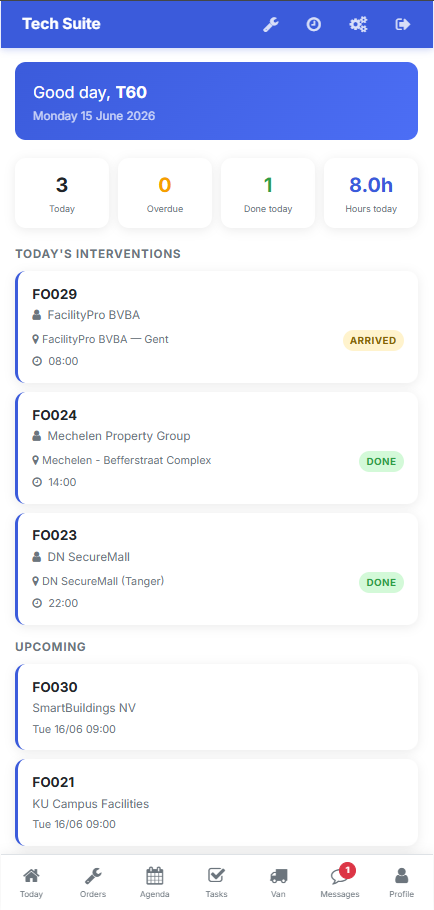
Section titled “Technician app (PWA)”The PWA is used from the technician’s smartphone.
-
Open the PWA URL provided by your manager in the mobile browser.
-
Sign in with your technician account.
-
Install the app: browser menu → Add to Home Screen. The PWA then opens like a native app.
Forgot password
Section titled “Forgot password”Use the Forgot password? link on the login screen. A reset email is sent to the account’s address.
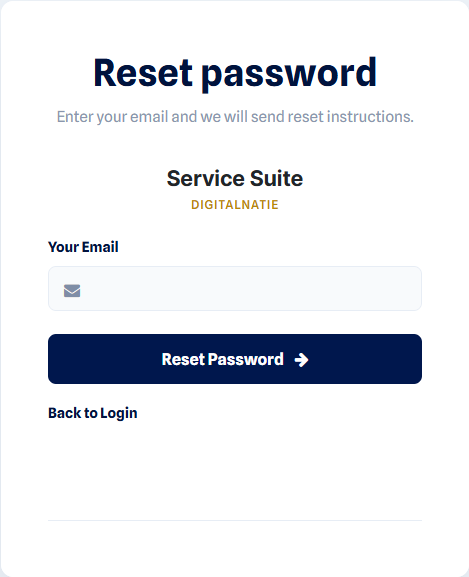 Reset: enter your account’s email address to receive the reset link.