

My Tasks
In addition to your interventions, you sometimes receive short tasks assigned by your manager. The My Tasks tab in the Technician App brings together these actions to complete.
When to use it
Section titled “When to use it”Use this tab for small day-to-day actions: quick checks, on-site verifications, reminders, or one-off instructions that do not require a full service order.
View and handle your tasks
Section titled “View and handle your tasks”- Open the My Tasks tab in the Technician App.
- Browse the list: tasks are sorted by priority and due date, with the most urgent at the top.
- Tap a task to display its details (description, due date, instructions).
- Update the status as you make progress: New → In Progress → Done.
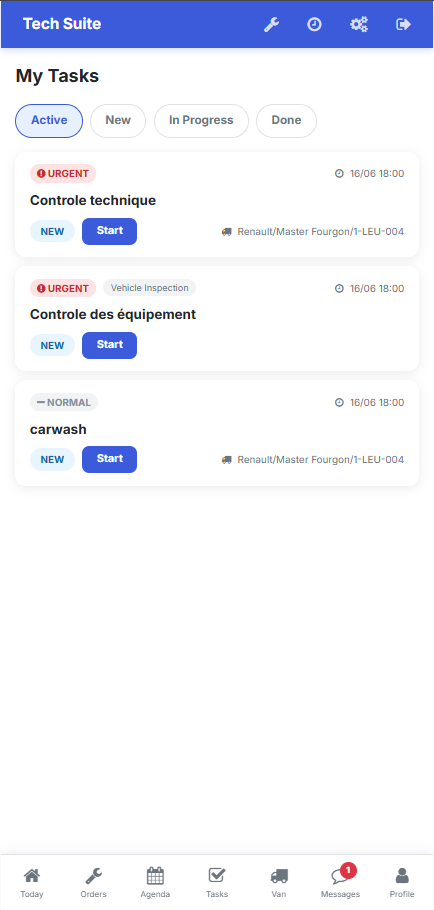 The My Tasks tab, sorted by priority and due date.
Result: as soon as you change the status, the information is automatically sent back to your manager, who tracks progress from the Technician Tasks page.