

Parts used
During the intervention, the technician records the parts used. They are deducted from the van stock and appear on the service order for invoicing.
Add a part
Section titled “Add a part”-
In the intervention, open Parts used.
-
Select the part from your van stock (search by name or reference).
-
Enter the quantity consumed.
-
Confirm. The part is added to the intervention list.
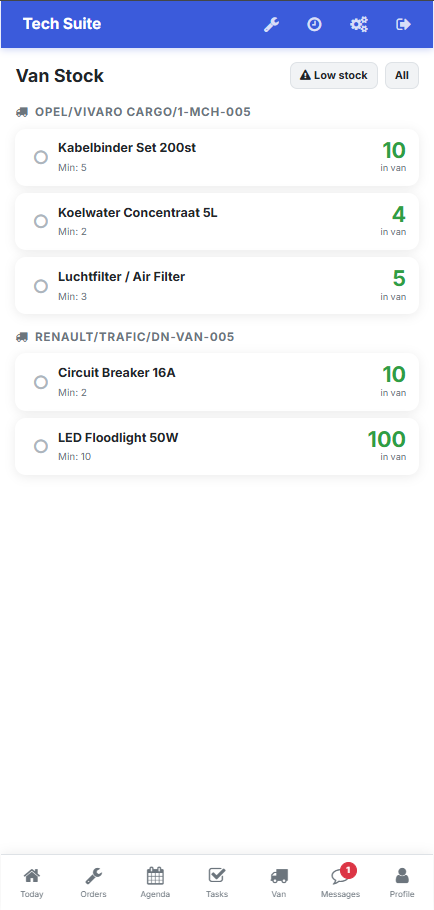 Choosing the part directly from your van stock.
Effects of the entry
Section titled “Effects of the entry”| Effect | Detail |
|---|---|
| Van stock decrement | The quantity is removed from your van stock |
| Pushed to the order | The part appears on the manager side |
| Invoicing | The part can be invoiced to the customer |