

Vehicles / Fleet
The Vehicles / Fleet section lets you manage the vehicles used by your technicians in the field. Each vehicle can be assigned to a driver and carry its own van stock.
When to use it
Section titled “When to use it”Use this section to:
- assign a vehicle to a technician so that it appears in the planning ;
- track the van stock carried in each vehicle.
Create a vehicle
Section titled “Create a vehicle”This procedure adds a new vehicle to your fleet and links it to a technician.
- Click New.
- Enter the vehicle Model.
- Enter the License plate.
- Assign a Driver by selecting the responsible technician.
- Set the Location linked to the vehicle (used for the van stock).
- Click Save.
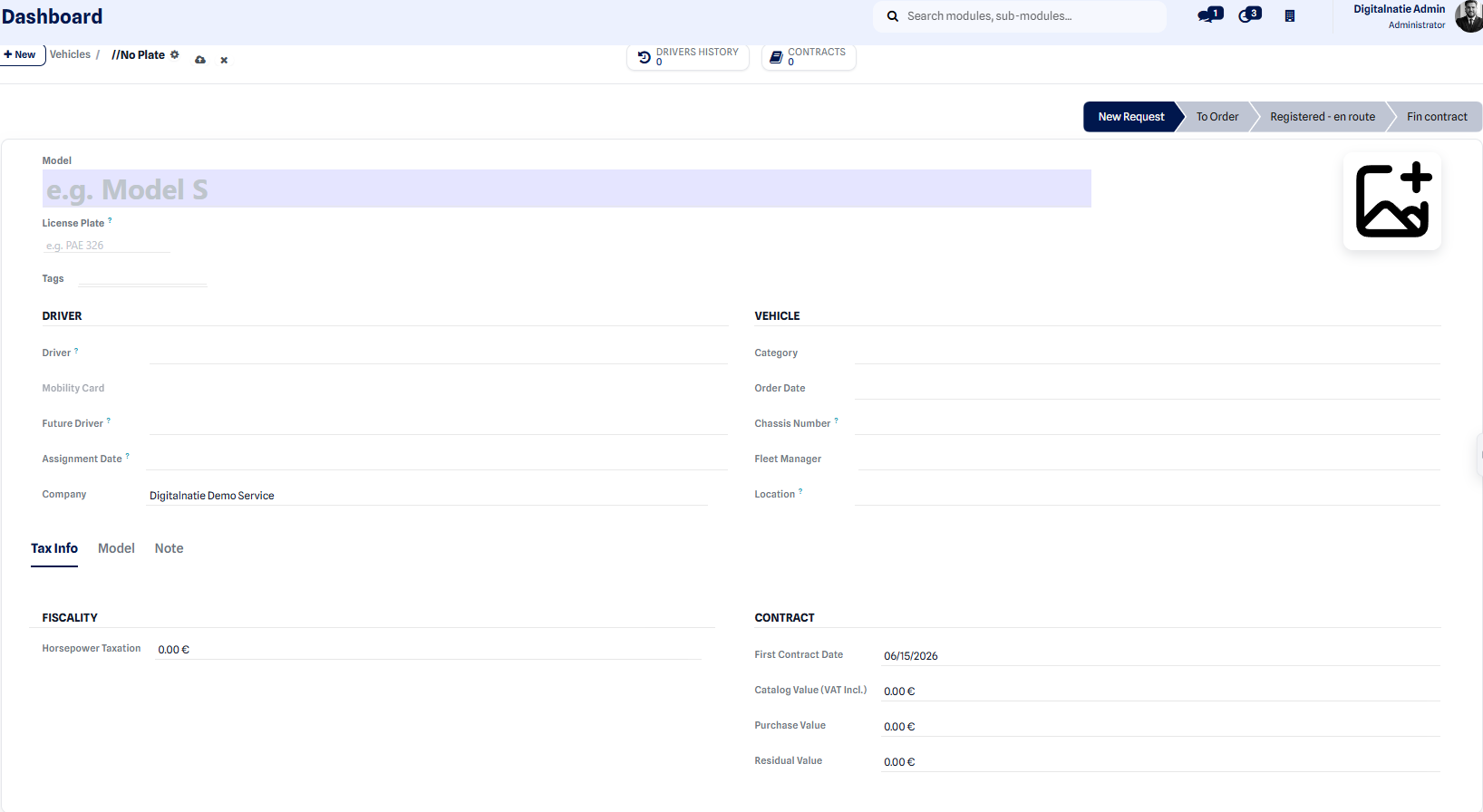 Vehicle creation form.
Expected result: after saving, the vehicle appears in the fleet list. It is linked to the chosen technician and ready to receive its van stock.
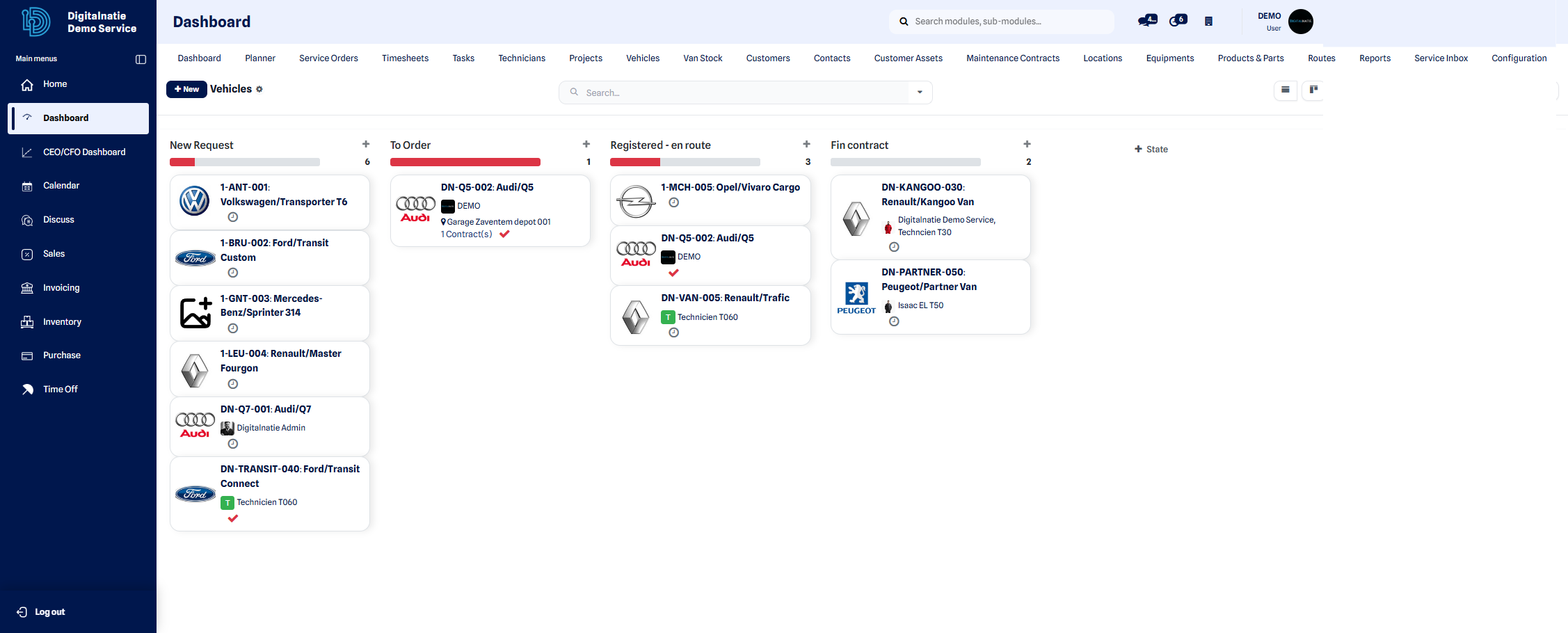 Overview of the vehicle fleet.