

Technicians
This page explains how to create and manage the technicians on your team: the people who carry out interventions in the field. A well-completed technician record feeds the scheduling, the assignment of service orders and the time reports.
When to use it: when a new team member joins, or when you need to update the vehicle, schedule or skills of an existing technician.
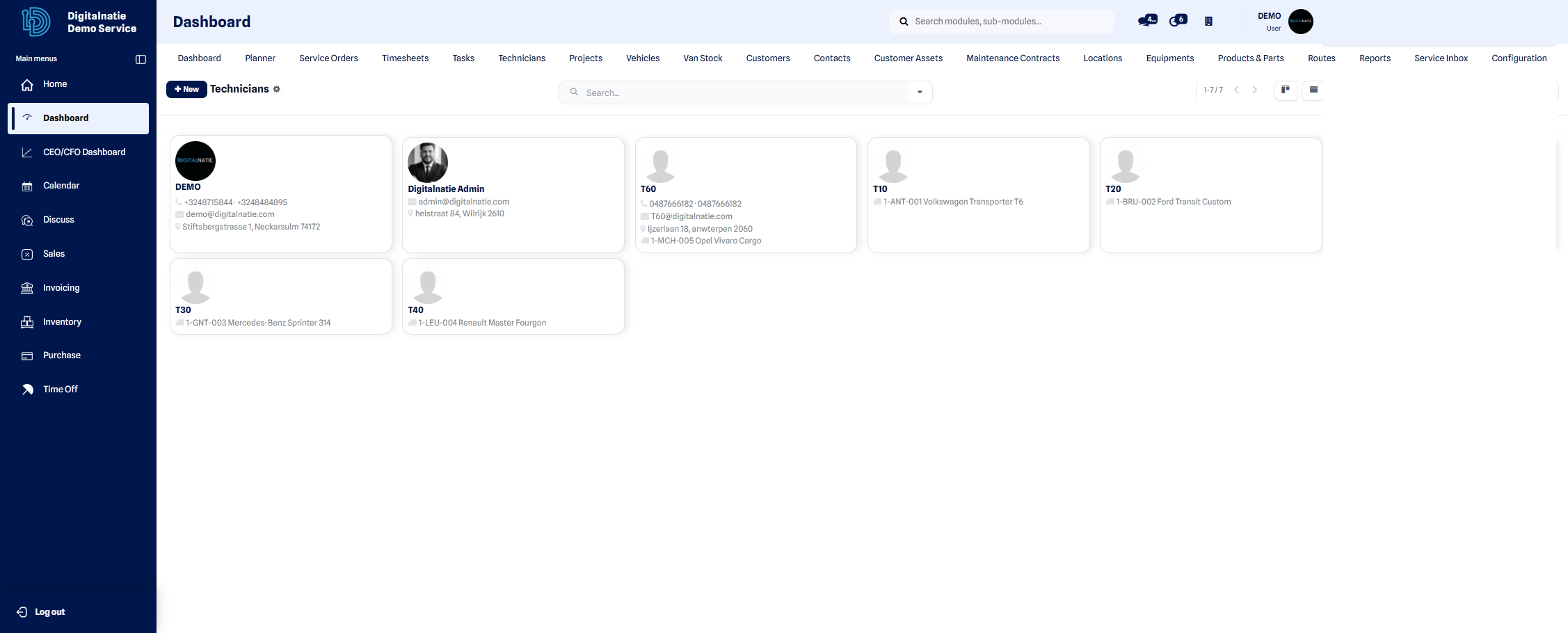 Team overview: name, area and status of each technician.
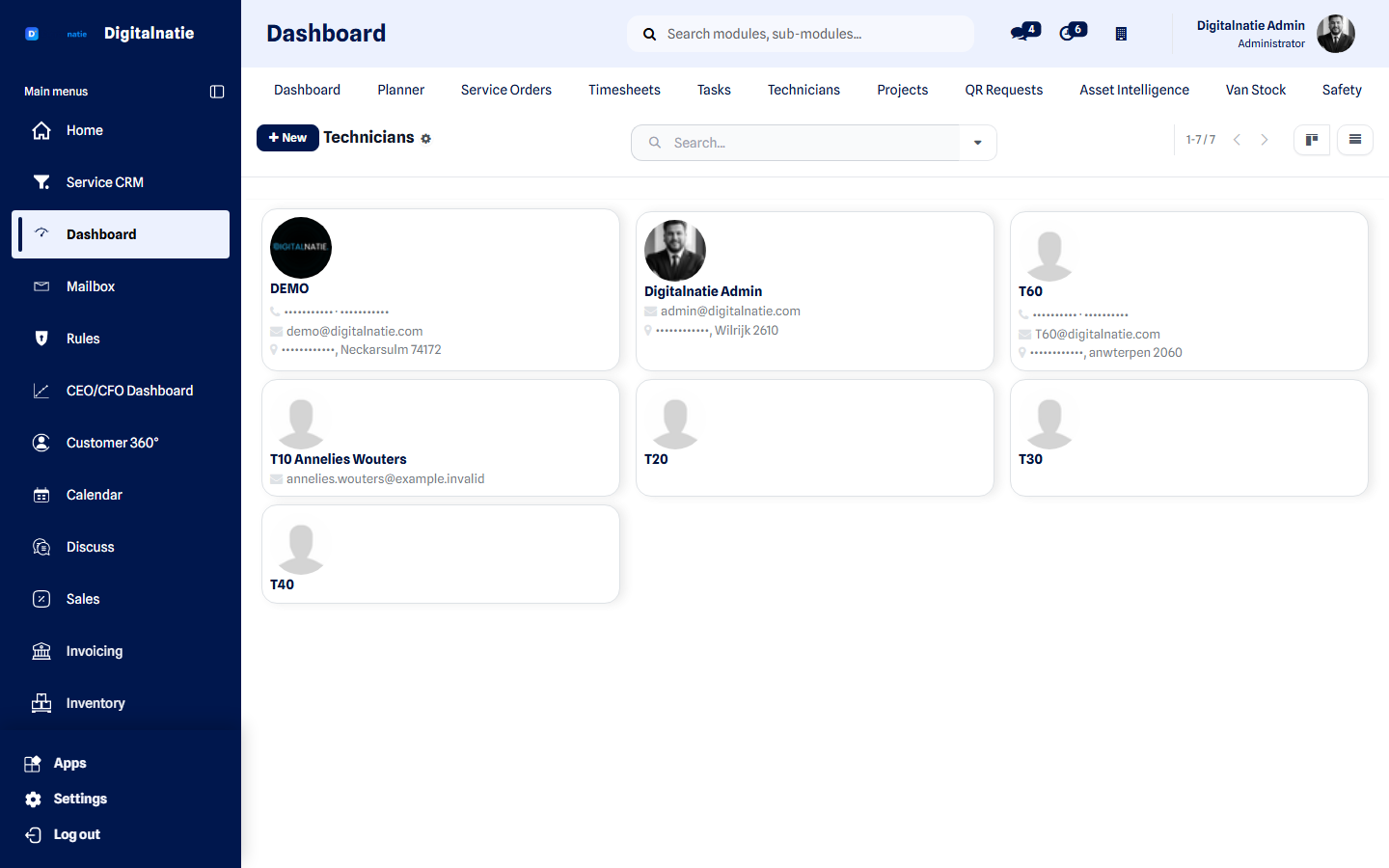 Your techniekers, each with their contact details and team.
Create a technician
Section titled “Create a technician”From the Technicians screen, click New to open a blank record, then follow the steps below.
- Enter the technician’s full Name.
- Link the associated contact (partner) if the person already exists in your contacts, in order to retrieve their contact details.
- Set the Default vehicle: this is the vehicle they will use for their interventions and which carries their van stock.
- Fill in the contact details: Phone, Mobile and Email.
- Choose their Working schedule (hours and days of availability), used by scheduling to propose realistic time slots.
- If needed, add their Skills and their intervention Areas / territories.
- Click Save.
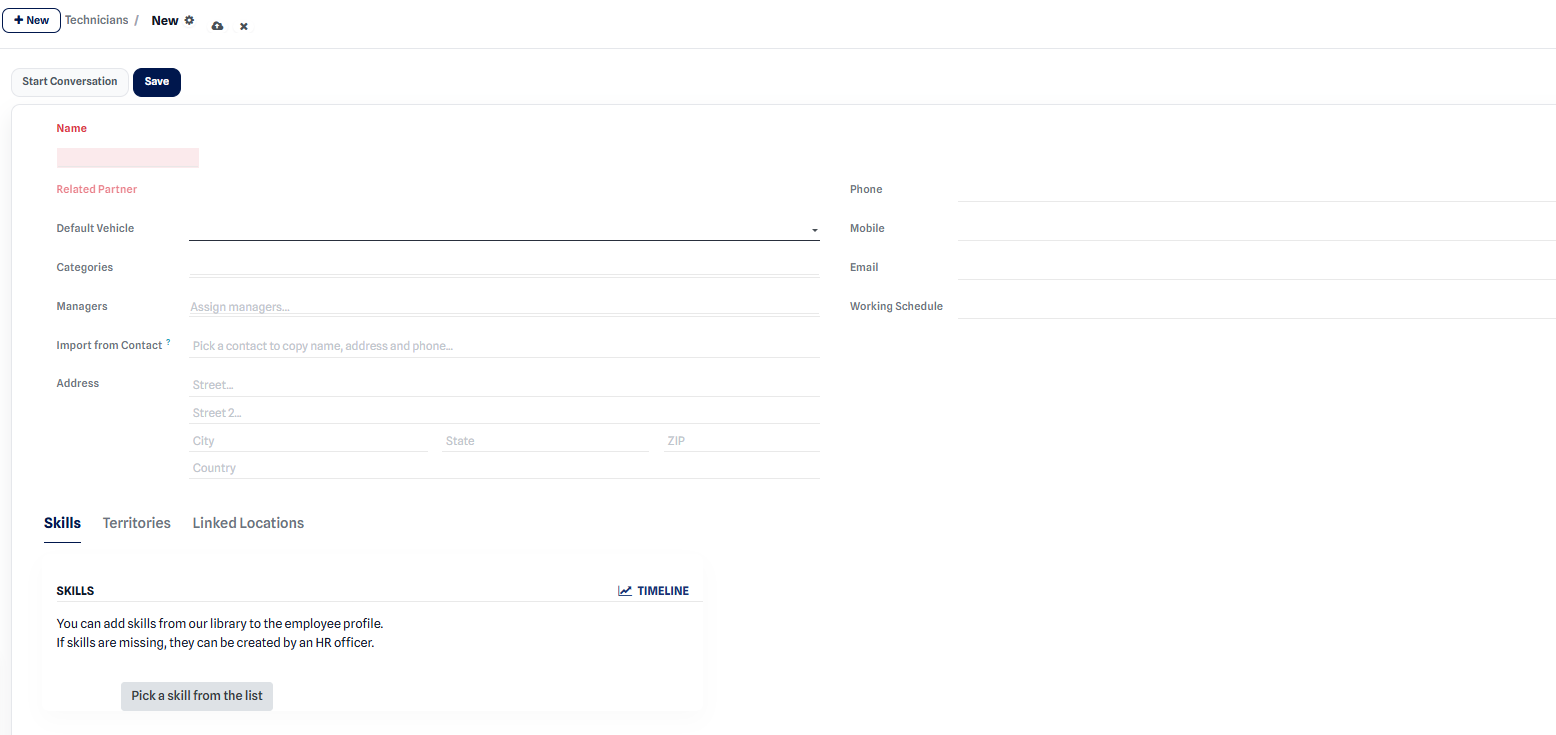 Technician record after creation: name, contact details and default vehicle.
Expected result: the technician appears in the team list and becomes selectable when assigning service orders and in the scheduling.
View the detailed record
Section titled “View the detailed record”The detailed record brings together the contact details, the vehicle, the skills, the area and the activity history of the technician.
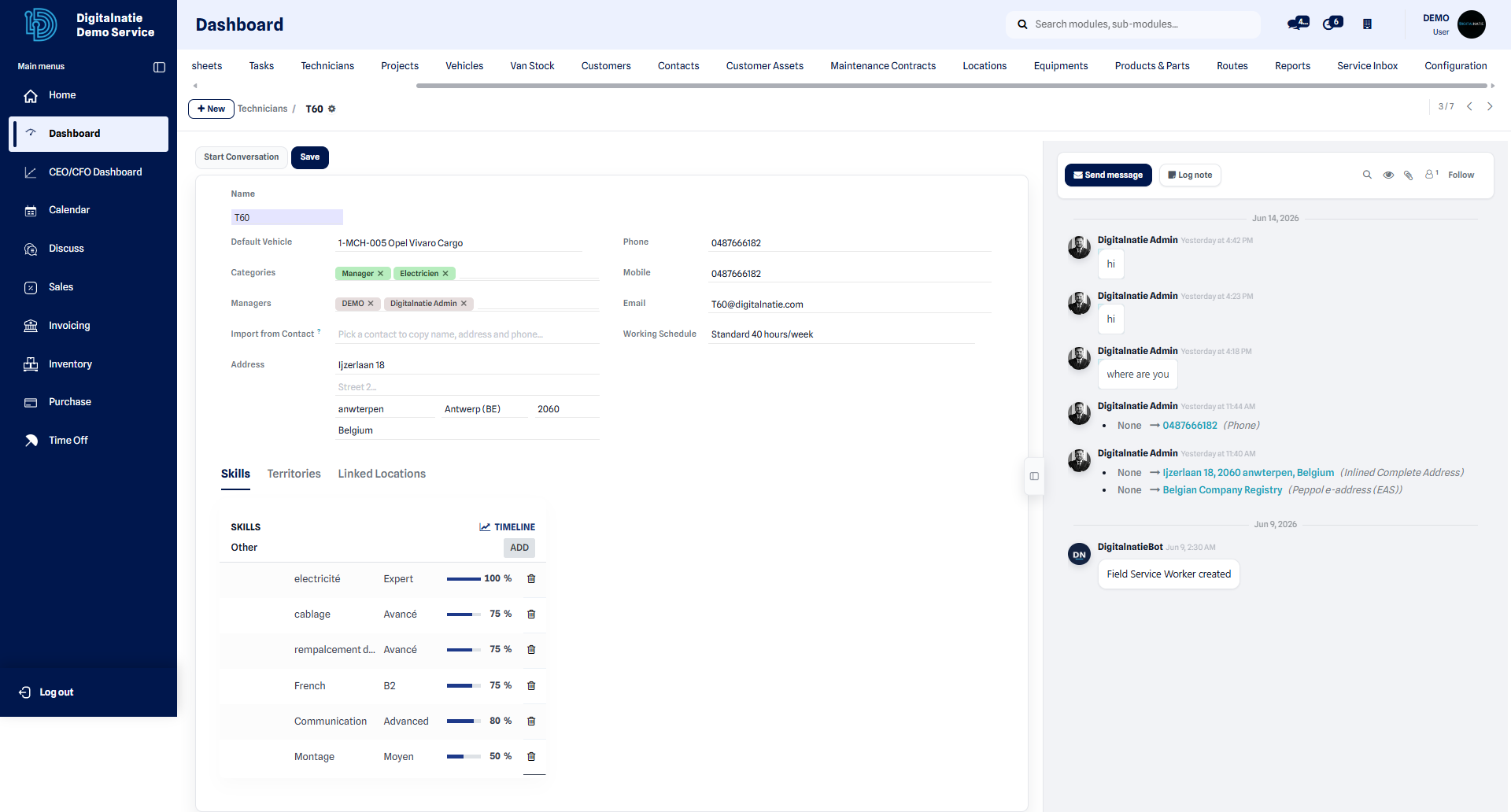 Technician record: contact information, vehicle and assigned area.
From this record, the Start discussion button opens a direct exchange with the technician: you can pass on an instruction, a clarification about an intervention or a document, without leaving their file. The messages reach them in their Technician App.
Track a technician’s activity
Section titled “Track a technician’s activity”To track the interventions carried out, the hours logged and the parts consumed, open the reports. The time report details the time spent by technician and by period.
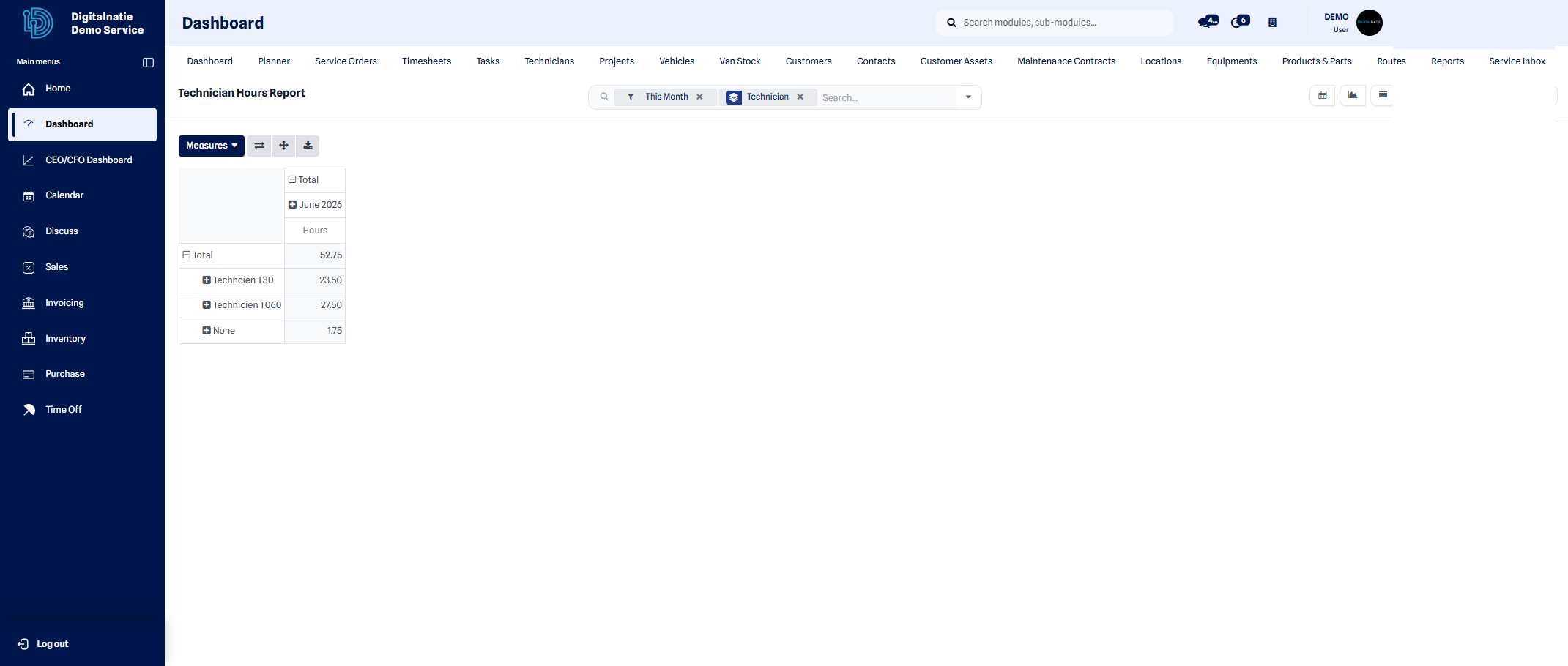 Time report: time logged per technician over the selected period.
To manage the parts carried in each technician’s vehicle, see the van stock.