This page gathers all the videos of the Digitalnatie YouTube channel: the step-by-step tutorials,
the demo videos and the short videos. They are narrated in Dutch. The tutorials and the demo videos
are also embedded in the guide on the same subject.
Tutorial · 2:04Signing in, the Uw Service Suite instellen block, the twelve steps of Aan de slag, completing a step, Peppol together with Digitalnatie, and inviting your colleagues with their role.Narrated in Dutch (Flemish), showing the application's screens.Watch on YouTube ↗
Tutorial · 1:56With customers as the example: the order to follow, downloading and filling in the template, uploading the file, checking before anything is written, importing and reading the import history.Narrated in Dutch (Flemish), showing the application's screens.Watch on YouTube ↗
Tutorial · 1:24The name, VAT number and segment, e-mail and phone, the address and language, a service site at the same address right away, and what happens when the customer already exists.Narrated in Dutch (Flemish), showing the application's screens.Watch on YouTube ↗
Tutorial · 1:17The customer, the site and a name, make and model, serial number, installation date and end of warranty, the phase, criticality and equipment type; then, from the record, schedule an intervention or report a breakdown.Narrated in Dutch (Flemish), showing the application's screens.Watch on YouTube ↗
Tutorial · 1:07Creating the QR code, printing the label and sticking it on the unit, what the person scanning sees, and how the reports reach the office in QR-meldingen.Narrated in Dutch (Flemish), showing the application's screens.Watch on YouTube ↗
Tutorial · 1:31The customer and the site, the installation, the type and priority, a clear title and description, the LMRA, then scheduling the intervention with a technician right away or assigning it later.Narrated in Dutch (Flemish), showing the application's screens.Watch on YouTube ↗
Tutorial · 1:29The name, the customer, the site and optionally one installation, the technician and the frequency, the start and the next visit, the visit template and instructions, and activating the contract right away.Narrated in Dutch (Flemish), showing the application's screens.Watch on YouTube ↗
Tutorial · 1:15The name, the customer and the site, the installation type, the lead technician and the schedule, the tasks with a technician and a deadline, and the Gepland status.Narrated in Dutch (Flemish), showing the application's screens.Watch on YouTube ↗
Tutorial · 1:30The customer, the service site and a customer reference, the product and service lines at the price-list price or a custom price, marking it as sent and, once the customer accepts, confirming it as a sales order.Narrated in Dutch (Flemish), showing the application's screens.Watch on YouTube ↗
Tutorial · 1:31The Te factureren view, Factuur maken, checking and adjusting the draft's lines, posting the invoice and sending it by e-mail, then recording the payment.Narrated in Dutch (Flemish), showing the application's screens.Watch on YouTube ↗
Tutorial · 1:26The overview of interventions, hours and service revenue in Rapporten, revenue per month, per product and per customer, then in the Financieel overzicht the result, the cash position, the overdue invoices and the export to Excel.Narrated in Dutch (Flemish), showing the application's screens.Watch on YouTube ↗
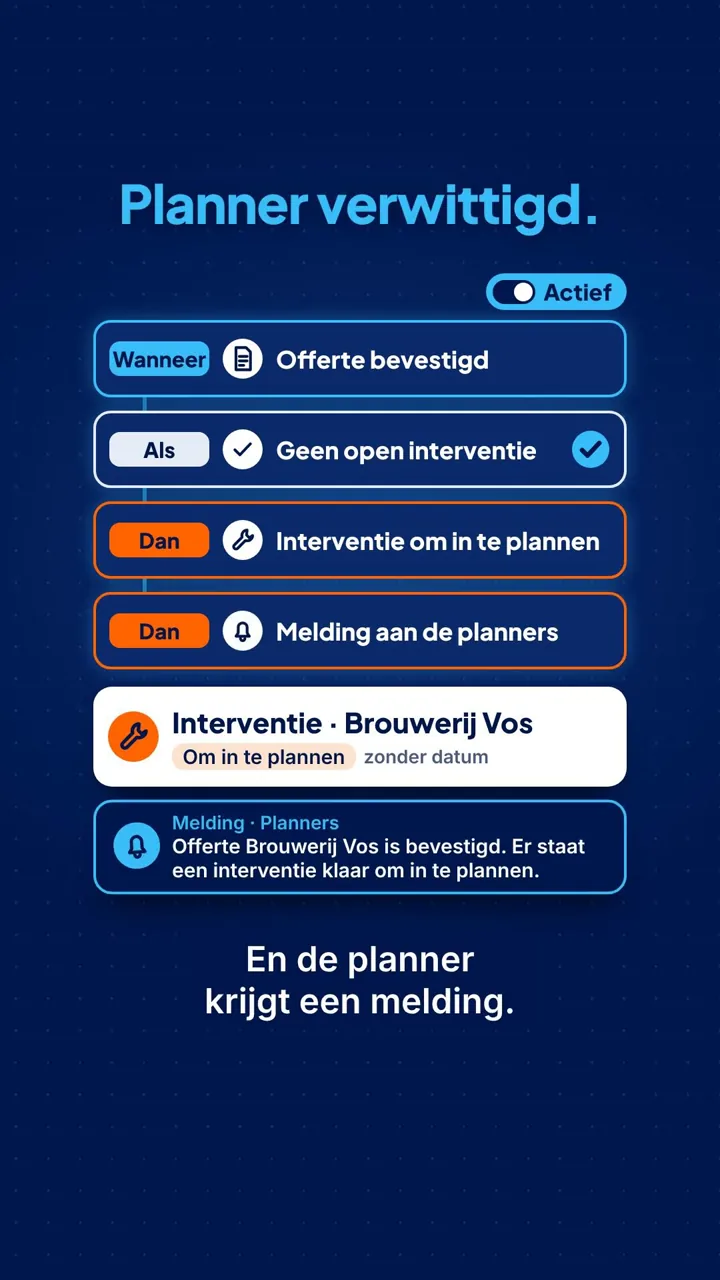
Tutorial · 1:21Starting from a template, setting the Wanneer, Als and Dan blocks, testing on a real quote without sending anything, publishing and activating, and following the runs in the history.Narrated in Dutch (Flemish), showing the application's screens.Watch on YouTube ↗
Tutorial · 2:21Reading the team's hours, correction requests and anomalies, hours above the schedule, approving, closing a period and the payroll export, and registering an absence.Narrated in Dutch (Flemish), showing the application's screens.Watch on YouTube ↗
Tutorial · 1:27Creating a storage location with a barcode, adding a new item, a replenishment rule with a minimum and maximum, posting a count and finding a part in its storage location.Narrated in Dutch (Flemish), showing the application's screens.Watch on YouTube ↗
Tutorial · 1:46Step by step: spotting the shortage in Paraatheid, requesting the replenishment, approving the request, validating the transfer in the warehouse and checking with Opnieuw beoordelen.Narrated in Dutch (Flemish), showing the application's screens.Watch on YouTube ↗
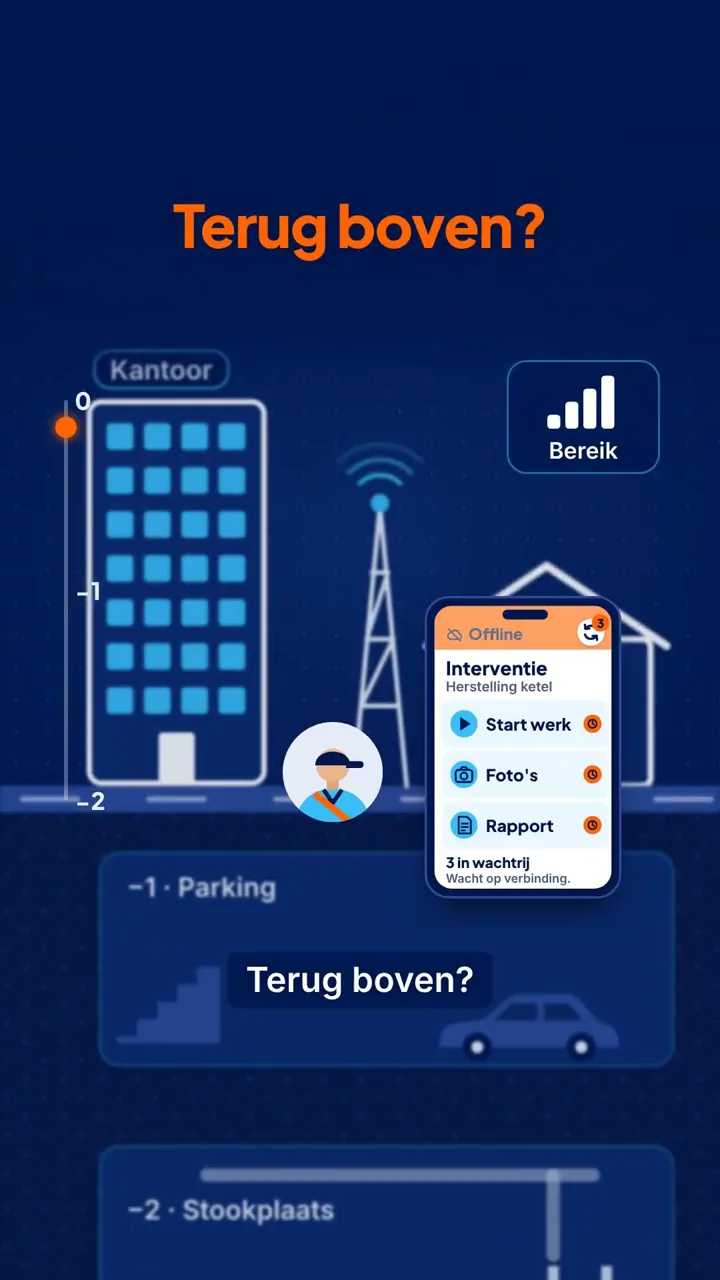
Tutorial · 1:33A day in the app: signing in, the intervention from departure to report, the signature and the report sent to the customer, the end of the day, and working without network.Narrated in Dutch (Flemish), showing the application's screens.Watch on YouTube ↗
Tutorial · 1:15Giving a contact access, and what your customer sees and does: signing in, the overview, reporting a problem, the interventions and reports, and the invoices.Narrated in Dutch (Flemish), showing the application's screens.Watch on YouTube ↗
Demo video · 1:01Nieuw › Interventie: the customer, site, installation and title; then the card dragged from “Niet ingepland” onto the chosen technician and time.Narrated in Dutch, showing the application's screens.Watch on YouTube ↗
Demo video · 2:34A missing part in Paraatheid, its storage location in the warehouse, then the transfer to the technician's van and its validation.Narrated in Dutch, showing the application's screens.Watch on YouTube ↗
Demo video · 2:17A customer scans the installation's QR code and sends their report with a photo; at the office, the report becomes an intervention linked to the installation.Narrated in Dutch, showing the application's screens.Watch on YouTube ↗
Demo video · 2:45A customer opened from Klanten: key figures, contacts, sites and installations, work, quotes and invoices, contracts, files and history.Narrated in Dutch, showing the application's screens.Watch on YouTube ↗
Demo video · 1:59During a call: find the last intervention, add a contact, note an agreement in the log and give access to the customer portal.Narrated in Dutch, showing the application's screens.Watch on YouTube ↗
Demo video · 2:10Register an installation at a site, attach documents to it (visible in the portal or not), create its QR code and find its history.Narrated in Dutch, showing the application's screens.Watch on YouTube ↗
Demo video · 2:11A contract for an installation, its frequency and its visit template; when the day comes, the intervention is created and remains to be scheduled.Narrated in Dutch, showing the application's screens.Watch on YouTube ↗
Demo video · 1:48A project with its tasks, each with a technician and a due date; the technicians complete them in their app and the progress is tracked at the office.Narrated in Dutch, showing the application's screens.Watch on YouTube ↗
Demo video · 2:47A draft invoice created from the intervention with the hours and parts, checked, posted, sent, then the payment recorded.Narrated in Dutch, showing the application's screens.Watch on YouTube ↗
Demo video · 2:33An automation based on a template: trigger, conditions, wait and action; a dry run, then activation and its history.Narrated in Dutch, showing the application's screens.Watch on YouTube ↗
Demo video · 4:08Vandaag and Mijn dag, departure, arrival, the LMRA and PPE, the work, the part used, the signatures, closing and sending the report.Narrated in Dutch, showing the application's screens.Watch on YouTube ↗
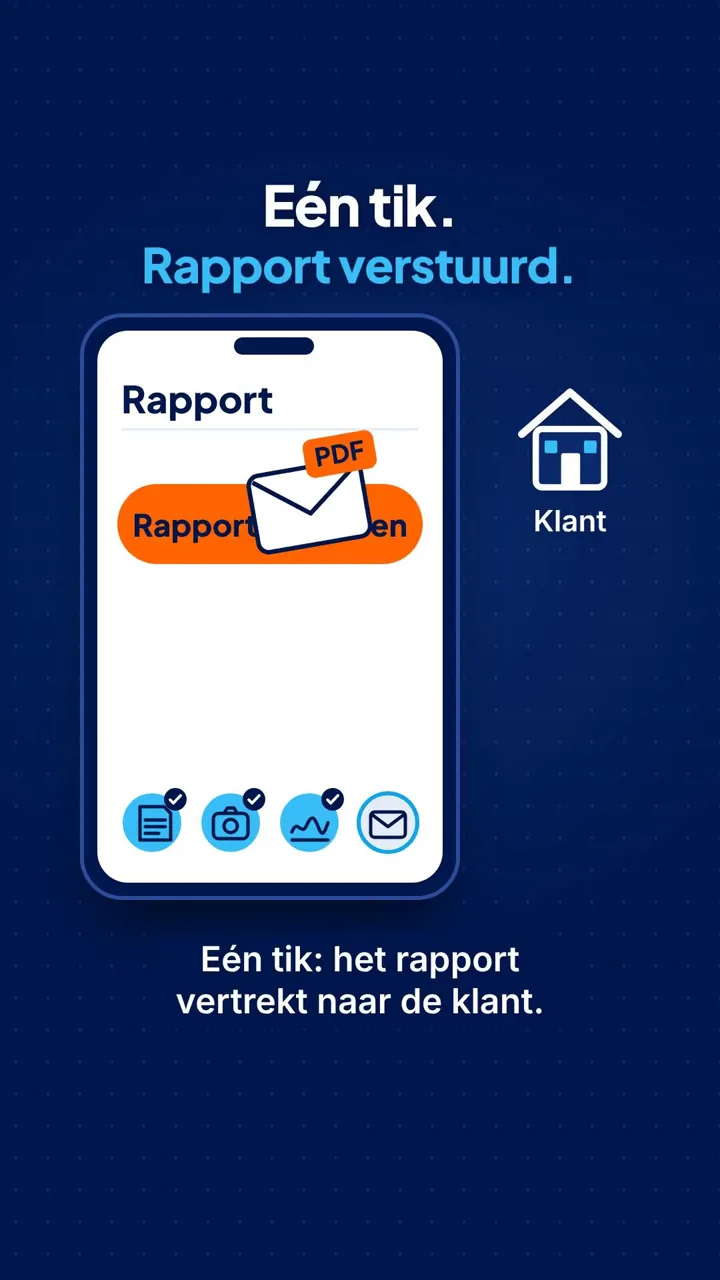
Demo video · 1:38What your customer sees: their interventions, the technician's signed report, the PDF, the invoice and the next visit.Narrated in Dutch, showing the application's screens.Watch on YouTube ↗
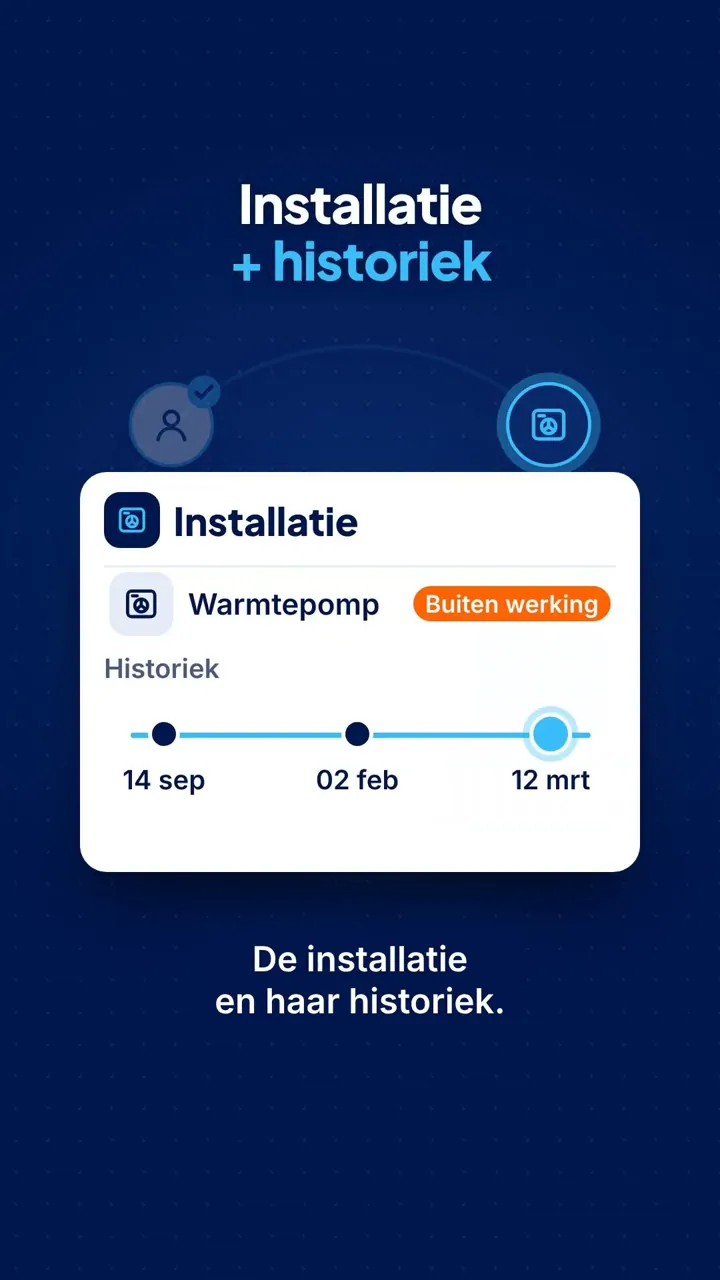
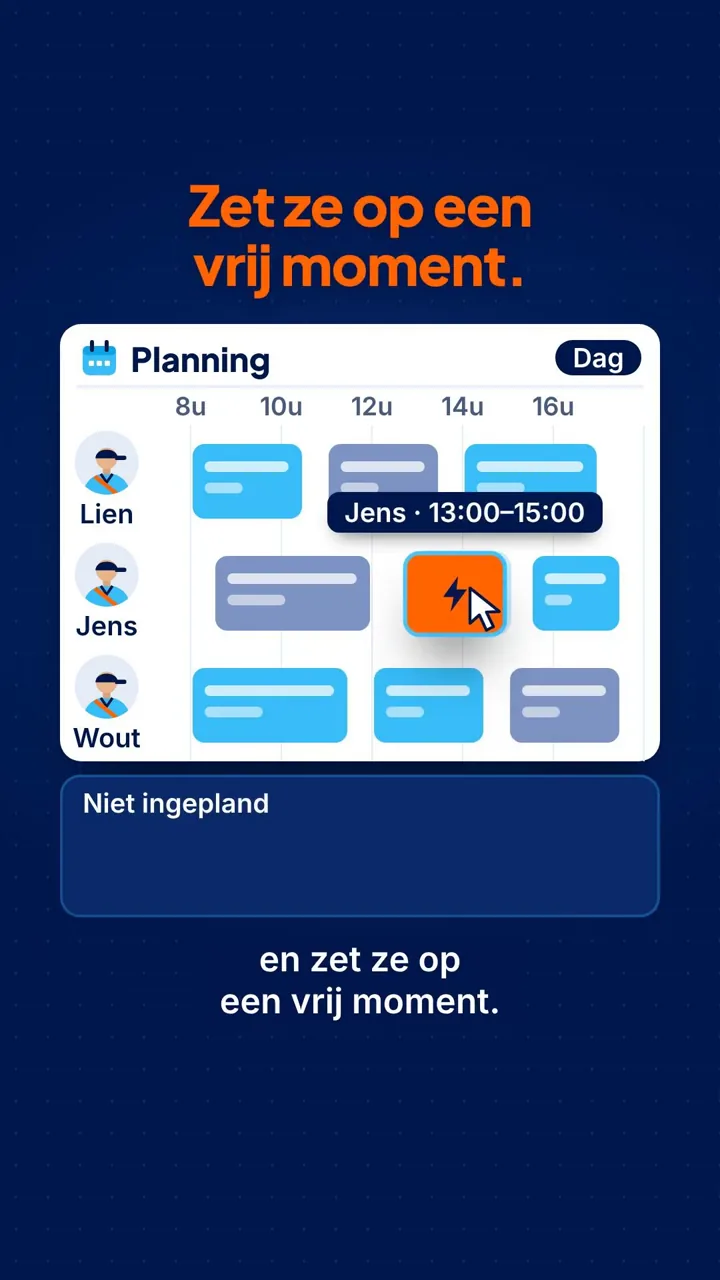
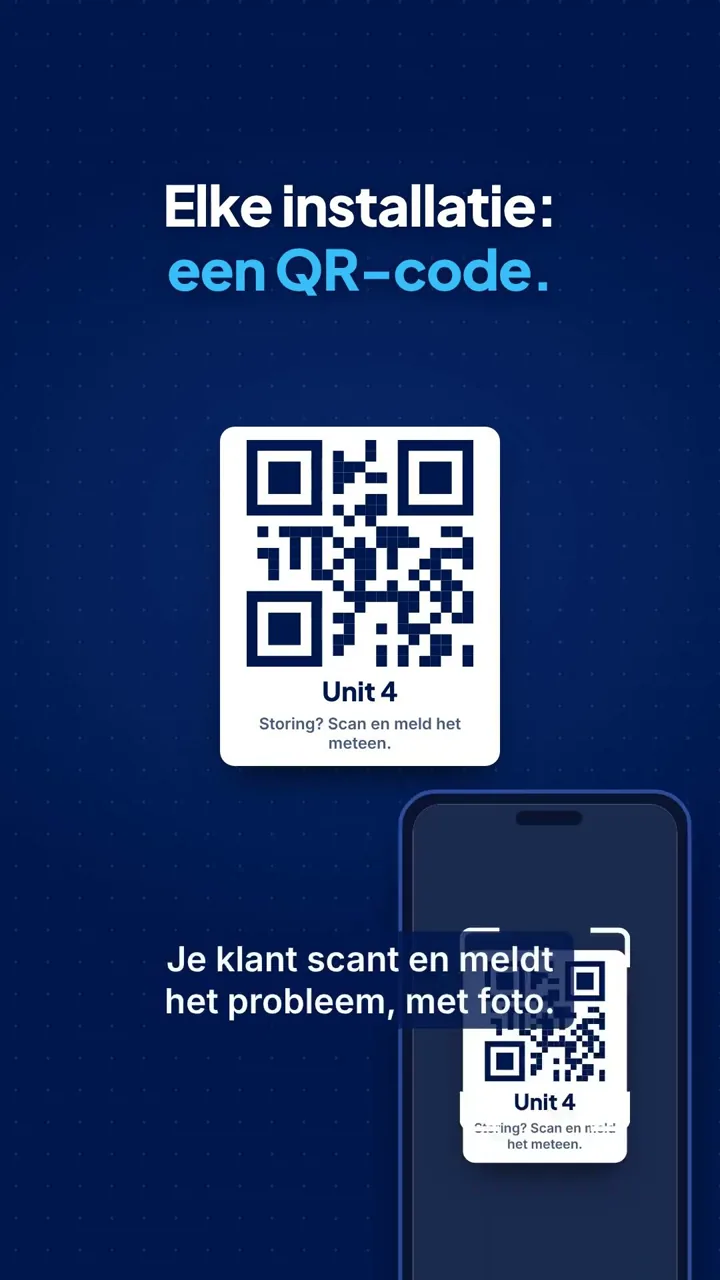
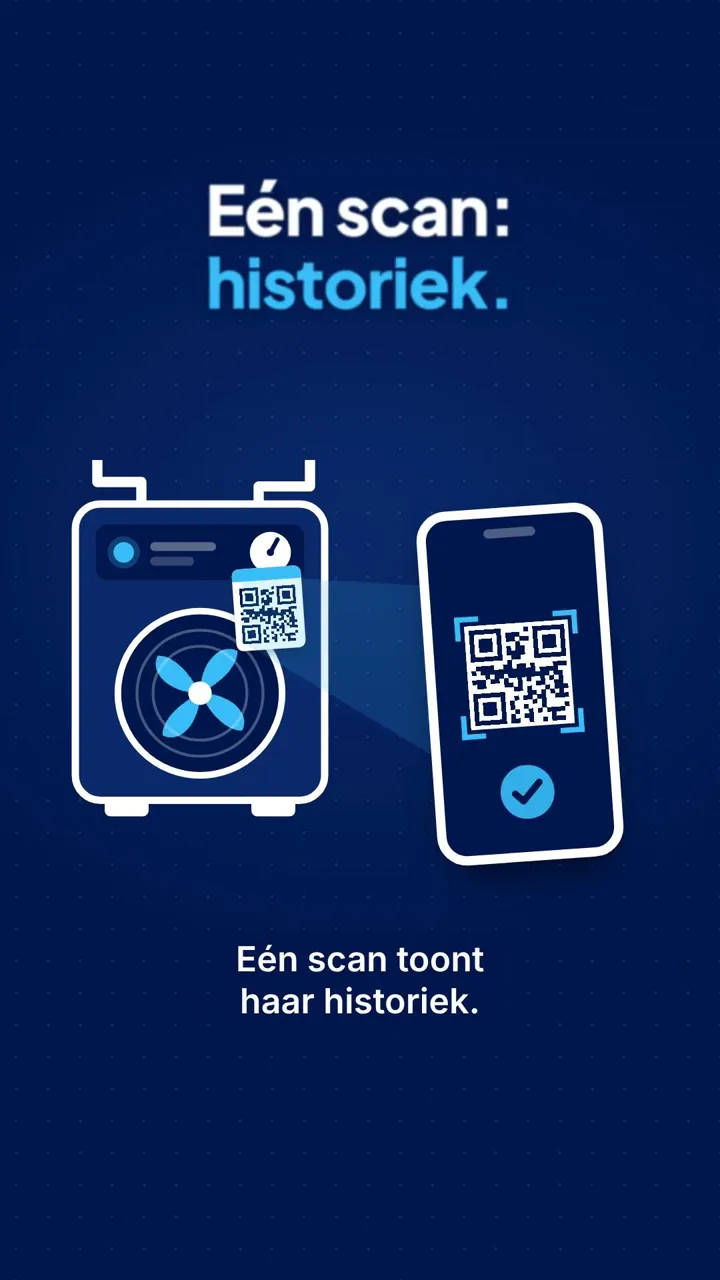
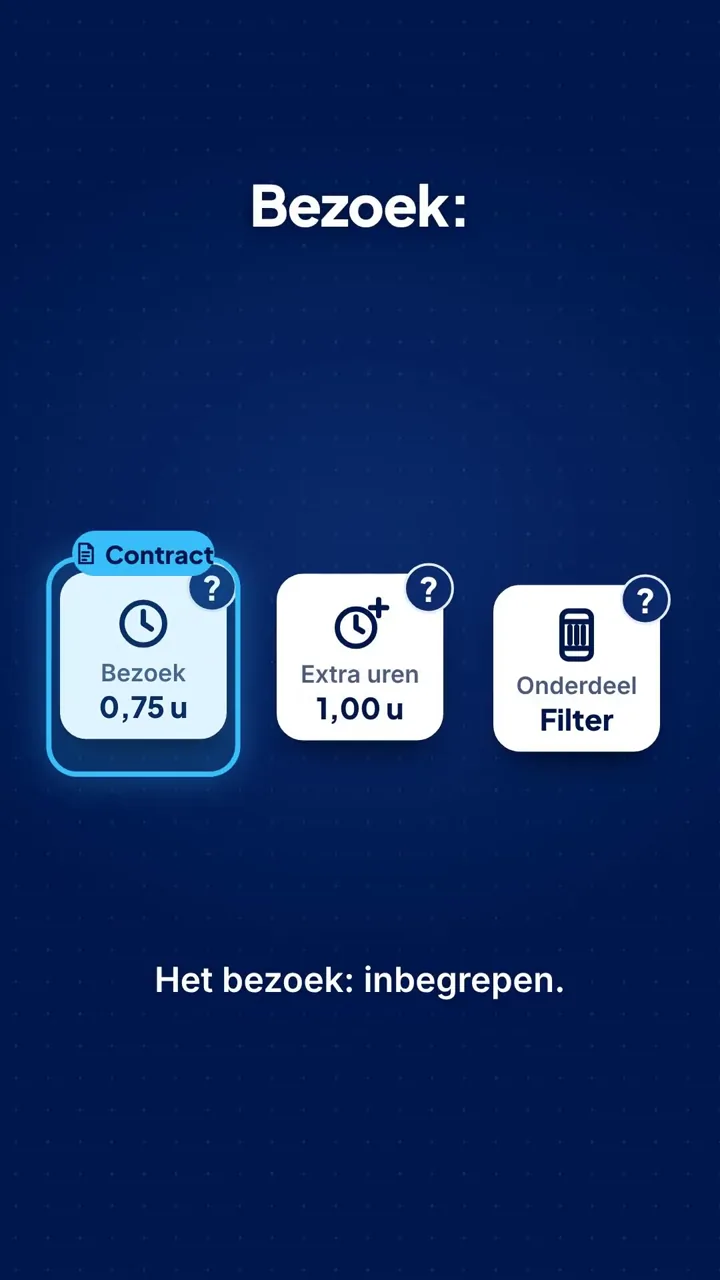
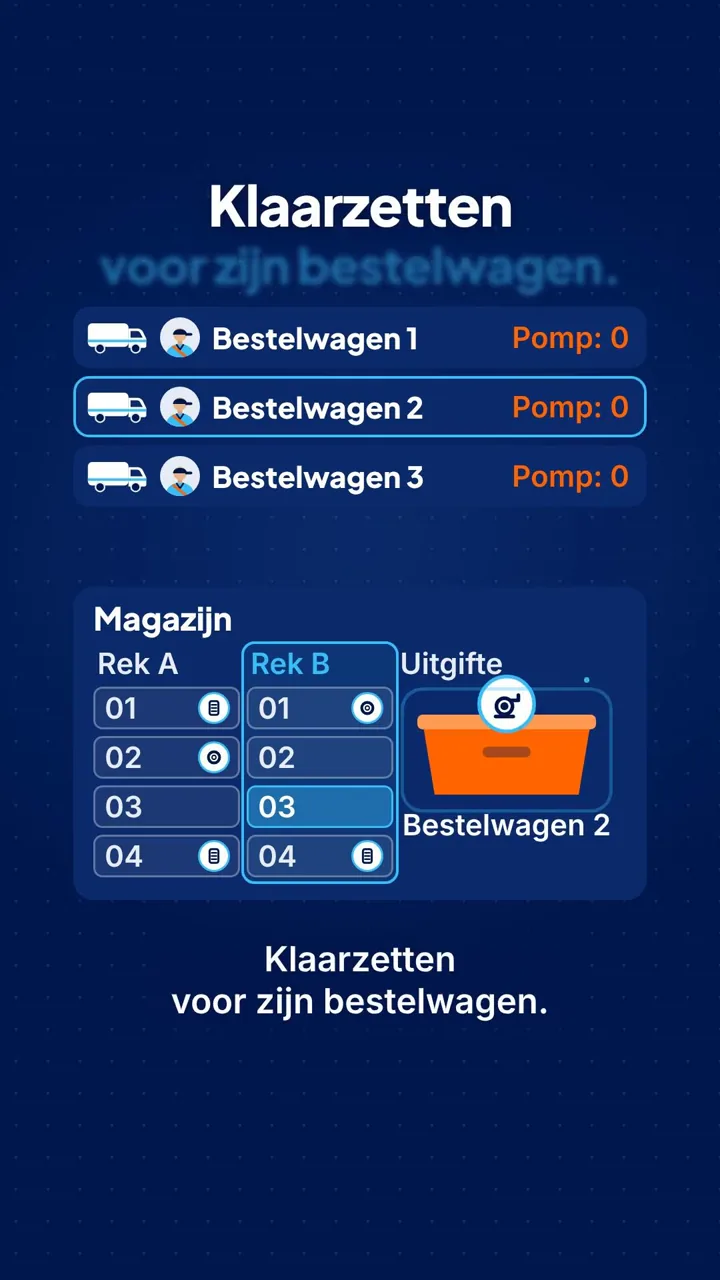
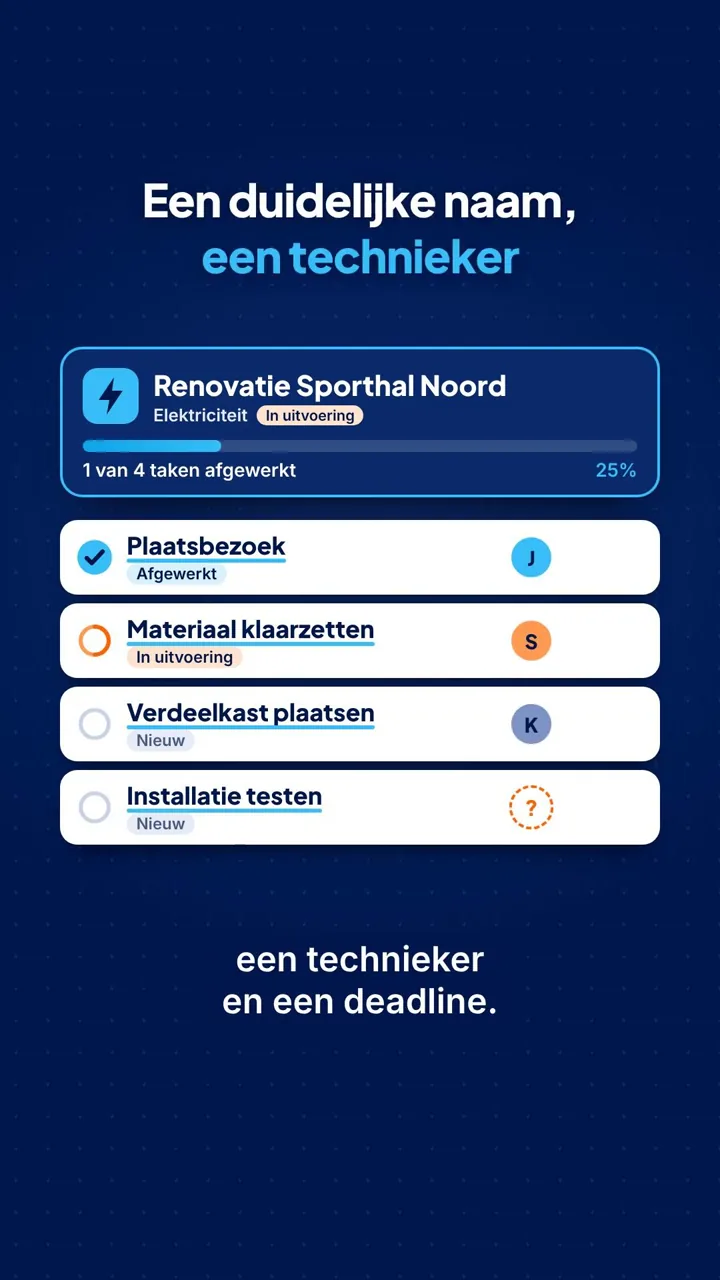
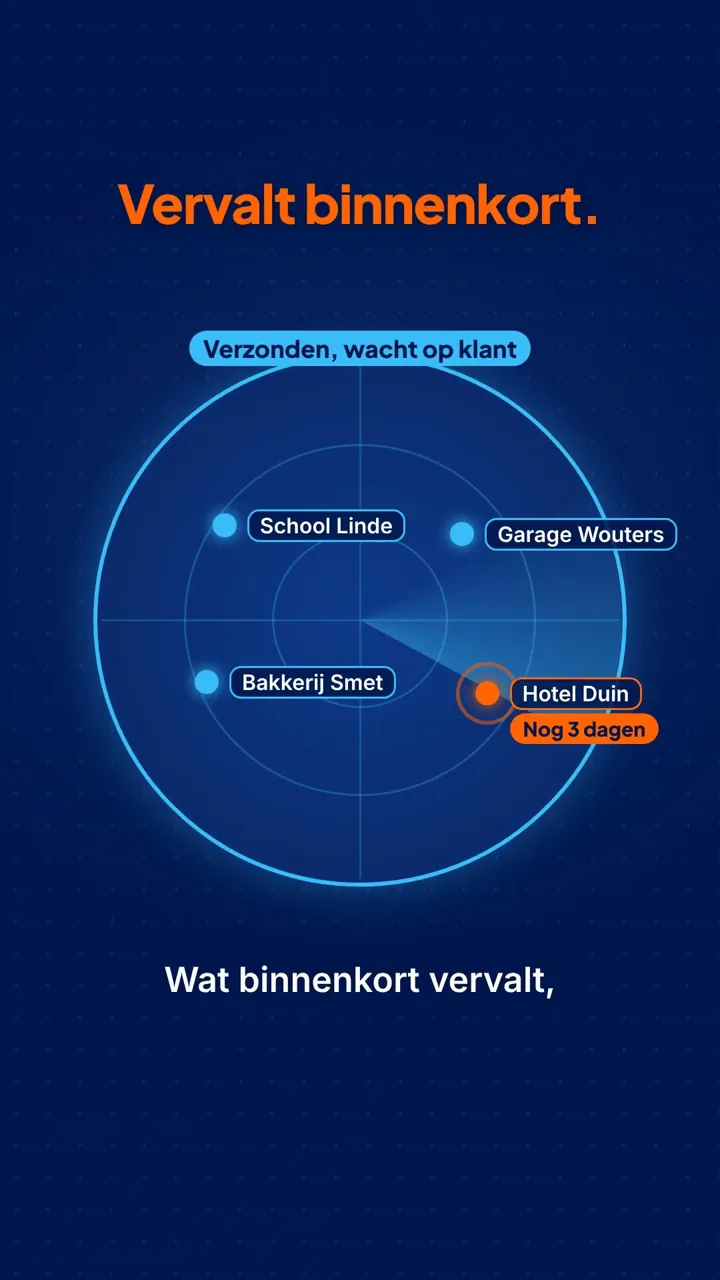
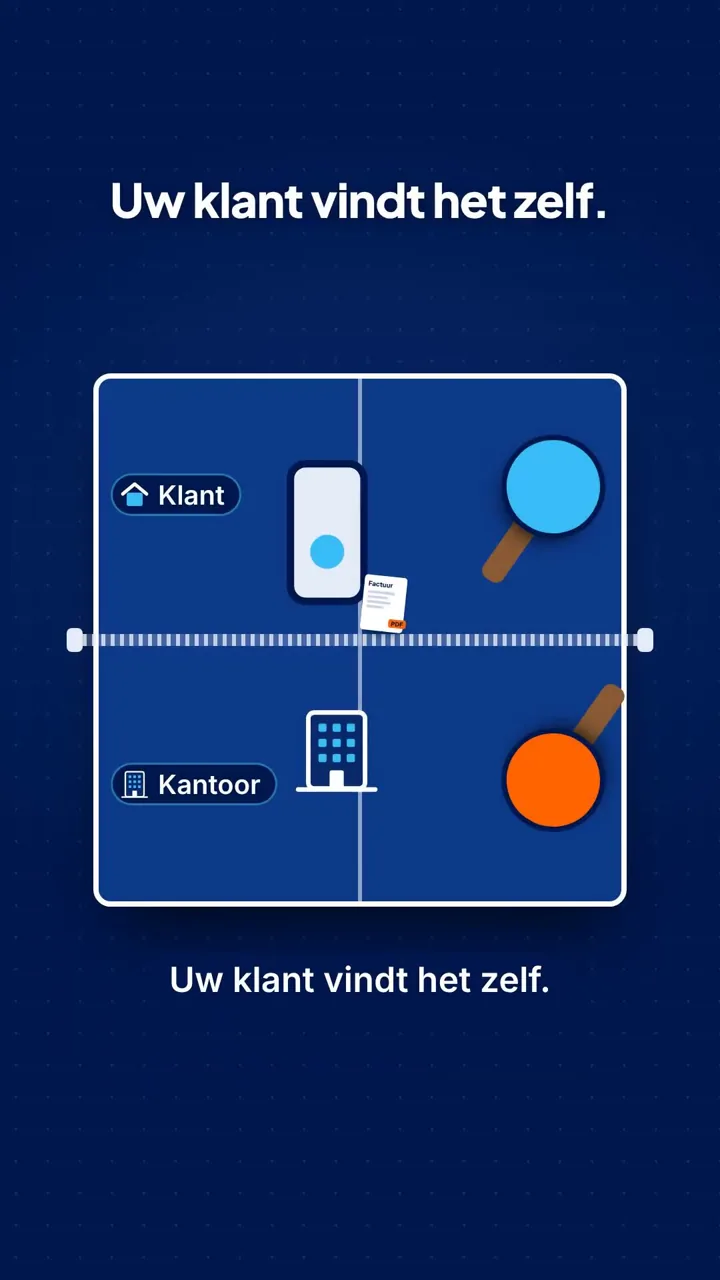
Short videos in the YouTube Shorts format that show in a nutshell what Service Suite does. For the
steps themselves: the tutorials and the demo videos above.
This video plays through YouTube. Google then receives data such as your IP address.