

From quote to invoice
This journey follows a price quote from the customer’s request to the invoice. The prices come from your items and your price lists; Service Suite calculates VAT and totals at each step.
-
The request. It can start in the Service CRM (an opportunity), in the customer file, on an intervention or in a project: each of these screens offers to create a quote that is already linked.
-
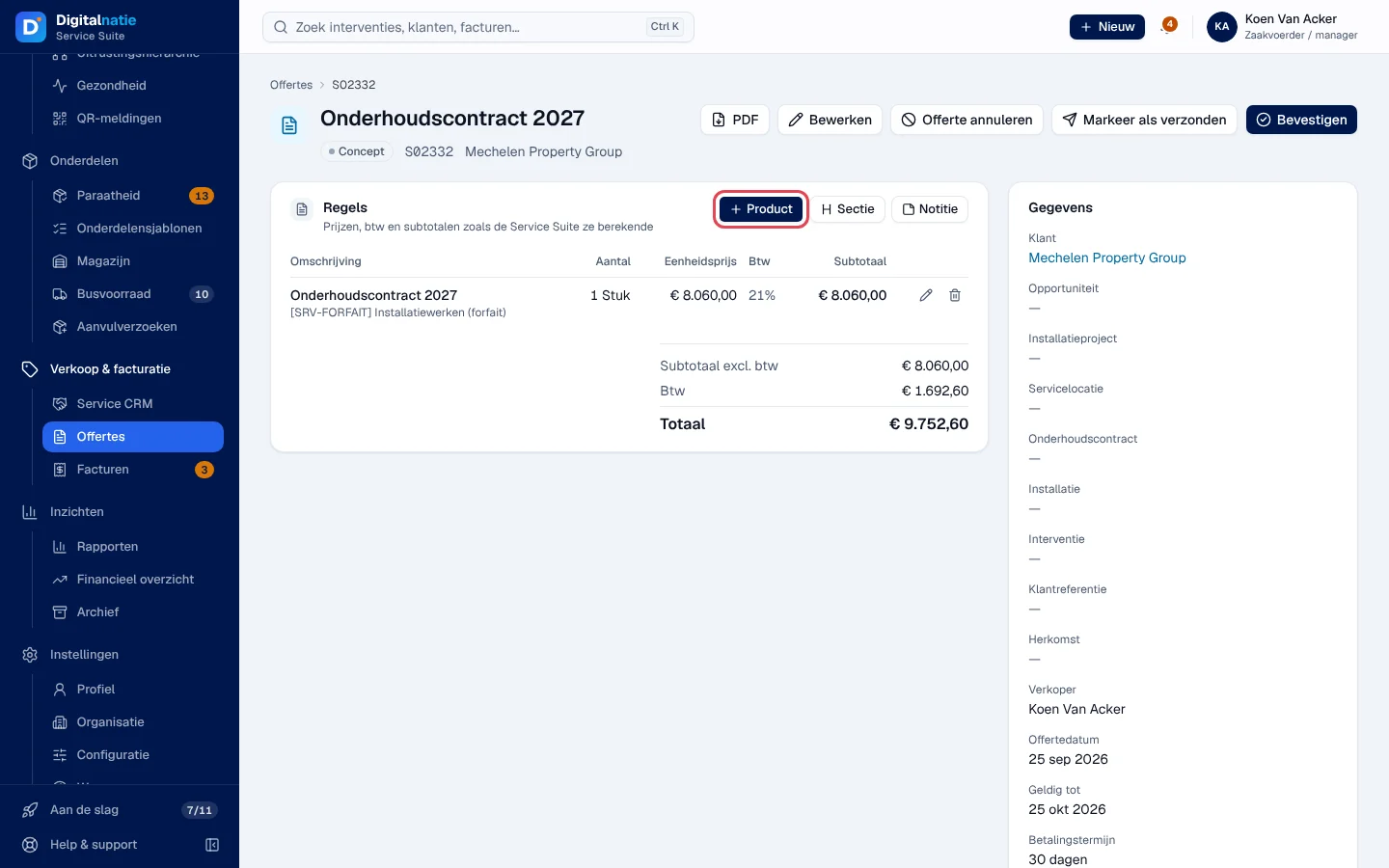
The quote. In Verkoop & facturatie › Offertes, click Nieuwe offerte, choose the customer and add the lines (items, services, sections, notes). Guide: Quotes.
-
Sending. Download the PDF and send it to your customer, then click Markeer als verzonden (mark as sent). This button does not send an e-mail: it only changes the status.
-
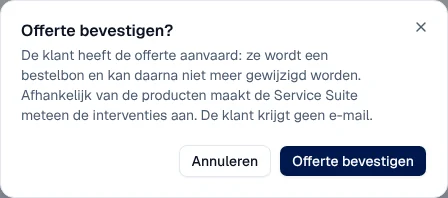
Acceptance. When the customer accepts, click Bevestigen (confirm). The quote becomes a Bestelbon (sales order) and can no longer be changed. Depending on the items, Service Suite immediately creates the interventions.
-
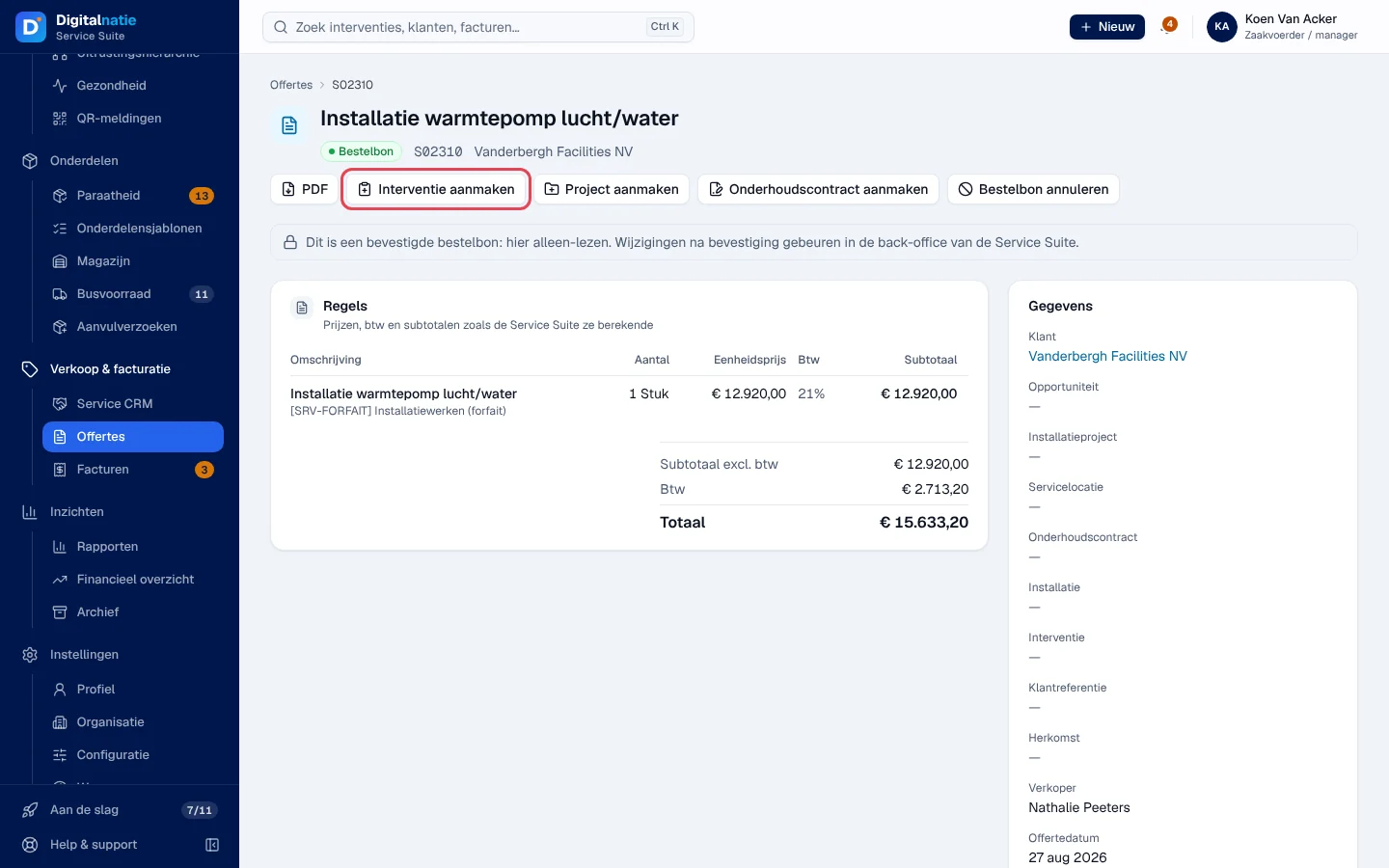
The work. From the sales order, as needed: Interventie aanmaken (intervention at the order’s site), Project aanmaken (project with its tasks) or Onderhoudscontract aanmaken (maintenance contract, in draft until it is activated). Guides: Interventions, Projects, Maintenance contracts.
-
The invoice. For a completed intervention, Factuur maken on its record takes over the hours and parts. For what was agreed in the order, Factureren on the sales order creates a draft invoice with the lines, prices and discounts of the quote. Check, then Boeken (post) and Versturen (send). Guide: Invoices.