

Company & branding
Everything your customers see of you — on an invoice, in a notification email, on the login page, on your team’s phones — comes out of this one block.
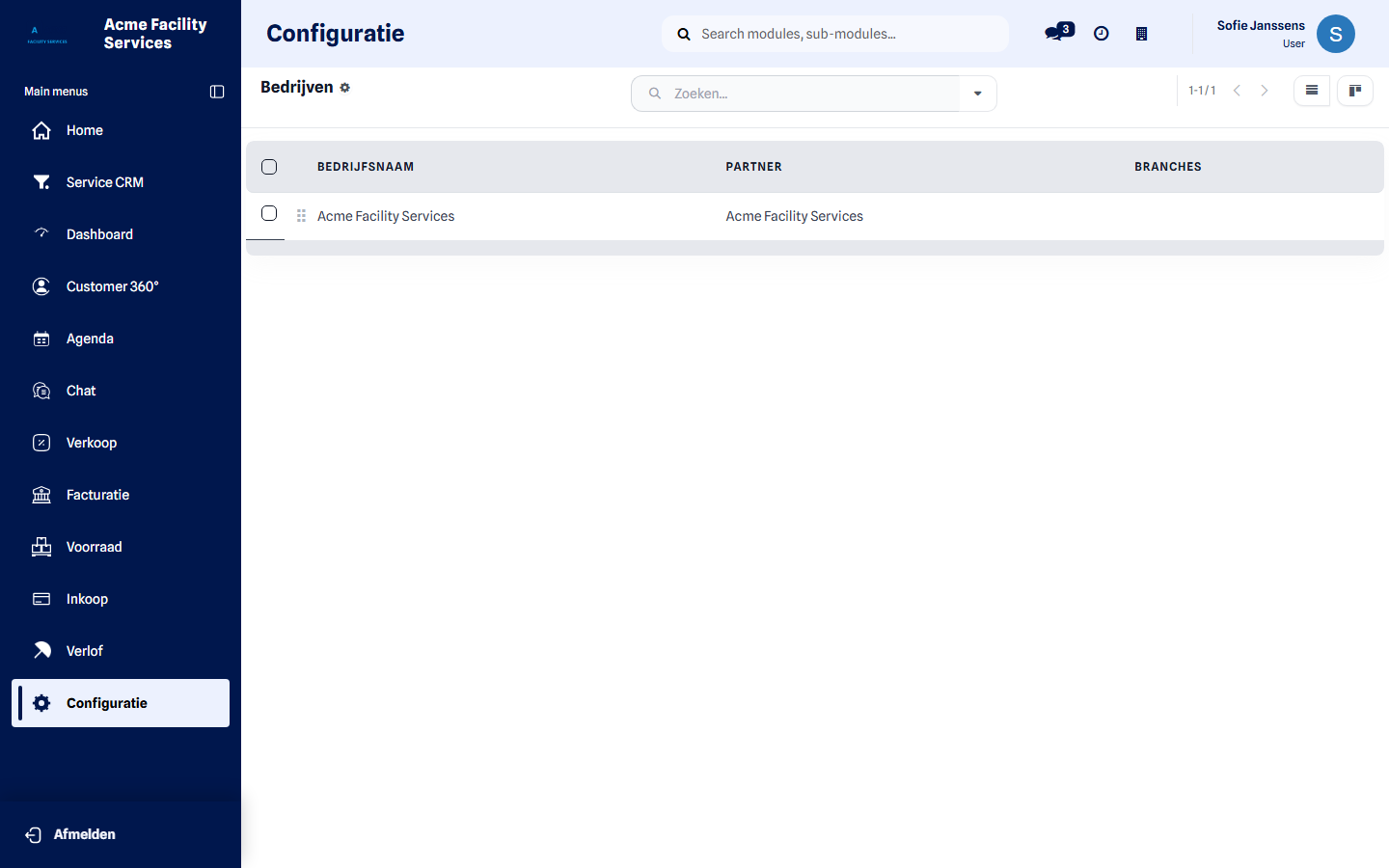
You find it under Configuration → Company & Branding.
What you can set
Section titled “What you can set”Company profile
Section titled “Company profile”Name, address, company and VAT number, phone, email, website and currency. These details appear on every document you send.
Logo, favicon & app branding
Section titled “Logo, favicon & app branding”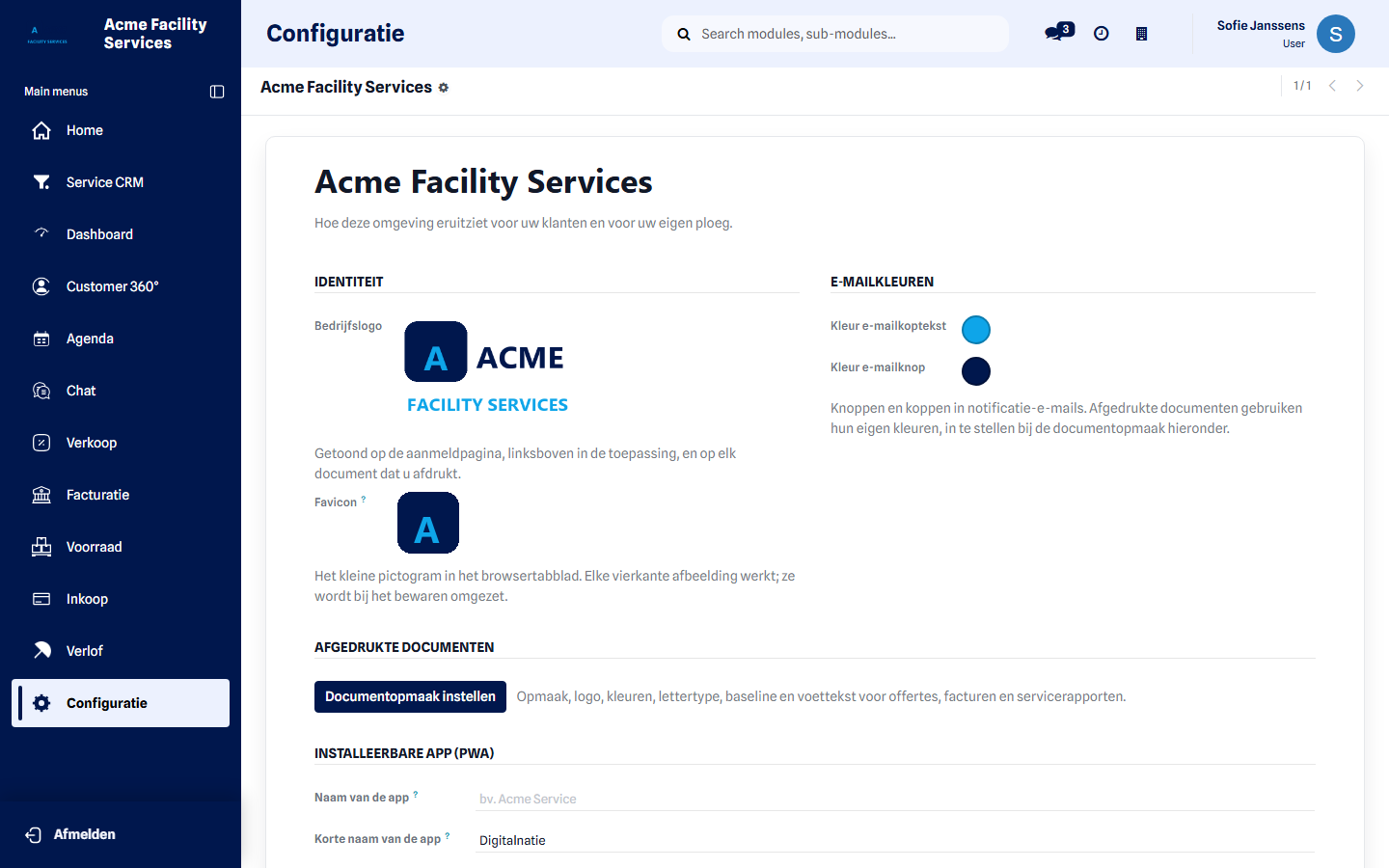
| Setting | Where it appears |
|---|---|
| Company logo | Login page, top-left of the application, and every printed document |
| Favicon | The browser tab |
| Email header / button colour | Buttons and headers in notification emails |
| App name and short name | Under the icon when your team installs the app |
| App theme and splash colour | The bar and the start screen on the phone |
Use a square image for the favicon and a wide one for the logo. Both are scaled automatically.
Document layout
Section titled “Document layout”The Configure document layout button opens the look of your quotations, invoices and service reports: template, colours, font, tagline and footer, with a preview beside it. Those colours are independent of your email colours — a document may look different from a notification.
Who can change this
Section titled “Who can change this”The customer administrator role. Other roles do not see this block in Configuration. Roles are managed under Permissions and roles.
What happens after saving
Section titled “What happens after saving”Logo, colours and company details apply immediately to everything created or printed afterwards. Documents you already sent stay as they were. The favicon and app name appear after a page refresh; anyone who already had the app installed sees the new name after reinstalling.
Next step
Section titled “Next step”Next, set your email identity so your mail leaves from your own address too.